

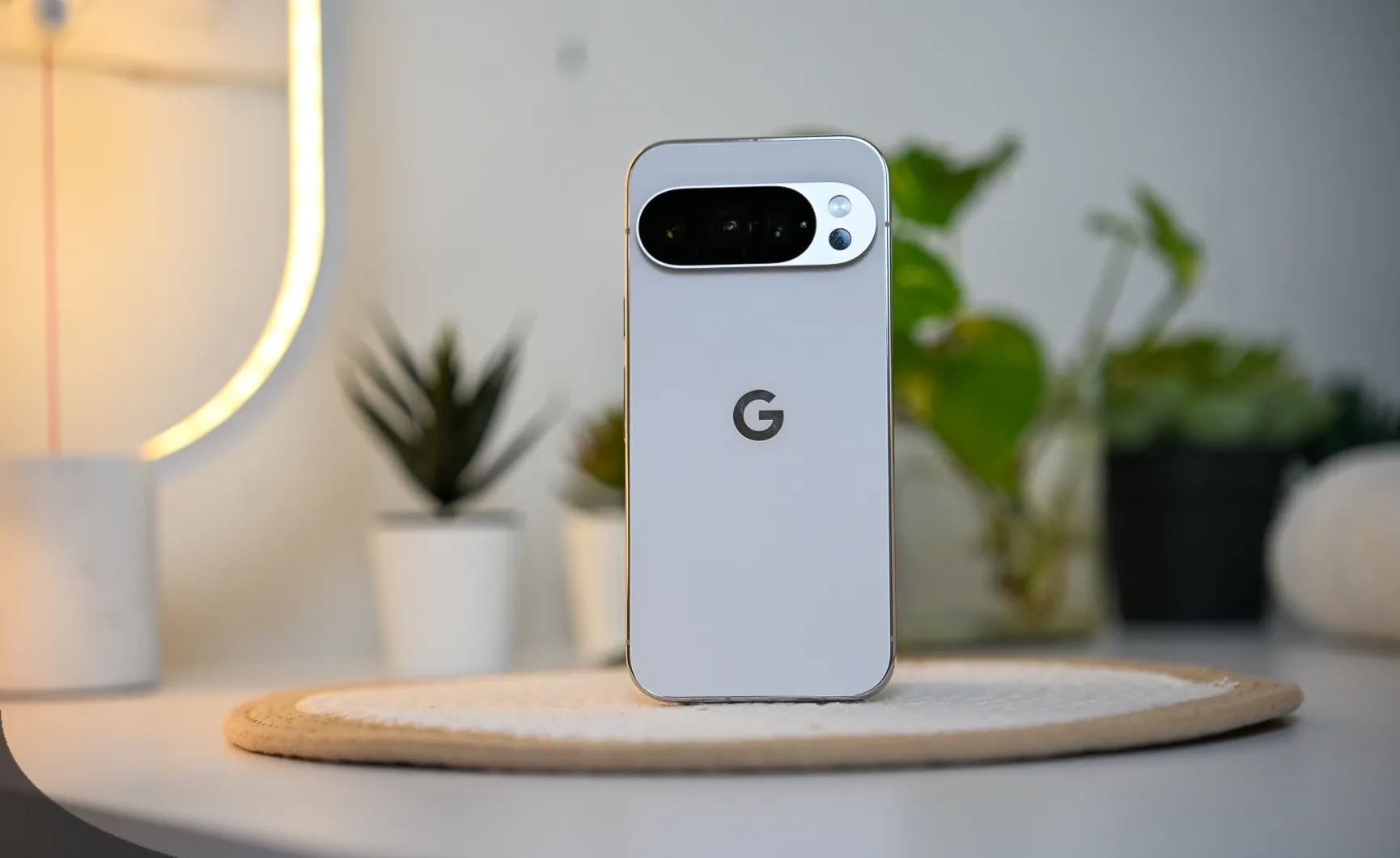

Pixel 10 GPU Update: What’s New & Why It Still Lacks Major Upgrades
As a long-time Pixel enthusiast, I’ve always been excited to see Google push the envelope with each new release. The Pixel 10 GPU update promised a lot, especially for those of us looking for a major improvement in gaming performance and graphics rendering. I’ve spent weeks using the device post-update, and while some changes are noticeable, there are still areas where the Pixel 10 falls short. Here’s a breakdown of the update, how it performs, and why it’s not quite the game-changer many were hoping for.
What’s New in the Pixel 10 GPU Update?
The Pixel 10 GPU update comes with a mix of hardware and software improvements. For anyone who has been following Pixel’s trajectory, the GPU performance was a critical weak point. So, what did Google bring to the table in the 2025 update?
Key Features of the Pixel 10 GPU Update:
- Improved Power Efficiency:
- The update significantly enhances battery life during high-performance tasks, thanks to better power management in the GPU architecture. This is particularly noticeable when you’re gaming or watching high-definition videos for extended periods.
- Smoother UI Performance:
- Google claims to have improved the smoothness of UI transitions, animations, and system-wide interactions. This makes the overall experience feel faster and more fluid, especially for everyday tasks like app switching.
- Optimized Graphics Rendering:
- While not a massive leap in performance, the graphics rendering engine has been fine-tuned to better handle video playback and some light gaming scenarios.
- Advanced AI Integration:
- The Tensor chip continues to shine in its AI capabilities, which now extend to GPU performance. The update leverages AI to enhance real-time image processing, making photos and videos look slightly better during real-time playback.
How the Pixel 10 GPU Performs: Real-World Test

After using the Pixel 10 extensively for a few weeks, here’s how it performs in real-world scenarios, particularly with the GPU update.
Gaming Performance:
I tested the update with popular graphic-intensive games to see how the Pixel 10 held up.
- Call of Duty Mobile:
- Before the update, the game struggled with consistent frame rates, especially during high-action sequences. After the update, the game runs relatively smoothly at medium graphics settings. However, during intense firefights, frame drops were still present, showing the limits of the GPU.
- Asphalt 9:
- Asphalt 9 showed some improvement in graphic rendering post-update, but still, the game doesn’t hit the level of high-end flagships. The experience was good, but definitely not mind-blowing for those used to Snapdragon 8 Gen 2 GPUs.
- PUBG Mobile:
- The update didn’t bring much of a change to this game’s performance. Frame rates remained inconsistent, especially when the game was running at higher settings. The GPU still lags behind competitors like Samsung Galaxy S series and OnePlus 11.
General Multitasking:
The UI smoothness improvements are noticeable when switching between apps or multitasking. Apps like YouTube, Google Chrome, and Spotify load faster, but tasks that demand high graphic rendering still feel lacking.
Battery Life and Power Efficiency:
While gaming, the battery consumption was noticeably more efficient. The Pixel 10 can handle longer sessions of light to moderate gaming without draining the battery excessively. But when playing for hours, it still struggles with intense power draw.
Why the Pixel 10 GPU Still Feels Behind: A Detailed Look


Despite the improvements, the Pixel 10’s GPU still lags behind its competition in several areas. Here’s a more detailed breakdown:
1. Pixel Tensor Chip vs Snapdragon/Apple A Series:
- The Tensor chip is great for tasks that require AI processing, but when it comes to GPU performance, it still doesn’t compare to the likes of the Snapdragon 8 Gen 2 or Apple’s A15/A16 Bionic chips. Tensor’s GPU has limitations in handling demanding applications, especially high-end games and 3D rendering.
2. Gaming Performance Still Subpar:
- Despite the optimizations, the gaming experience is still average. High-end gaming is possible, but the experience is nowhere near as smooth as flagship devices from Samsung, OnePlus, or Apple.
3. Graphics Features Still Lacking:
- The Pixel 10’s GPU update didn’t bring features like ray tracing, DLSS (Deep Learning Super Sampling), or high frame rate support in gaming titles. These features are becoming more common in premium smartphones and are one of the reasons Pixel 10 lags behind in the gaming department.
Is the Pixel 10 GPU Update Worth It? My Personal Take


After using the Pixel 10 for a while with the GPU update, my opinion remains mixed.
- For Casual Users: If you’re someone who uses your phone primarily for browsing, social media, and casual gaming, this update is worth it. UI smoothness, battery life, and light gaming performance have improved, making the overall experience better.
- For Power Users & Gamers: If you expect your device to handle high-end gaming, video editing, or intensive multitasking, the Pixel 10 still falls short. This update didn’t bring a revolutionary change to the GPU performance.
Pixel 10 GPU Update Pricing and Alternatives
As for the pricing, the Pixel 10 is available at a starting price of ₹52,000 (for the base model) in India. Here’s how it compares to alternatives:
- Samsung Galaxy S23: Starts at ₹74,999, featuring the Snapdragon 8 Gen 2 GPU, offering better gaming performance, ray tracing, and DLSS support.
- OnePlus 11: Starting at ₹54,999, equipped with the Snapdragon 8 Gen 2, delivering superior GPU performance compared to the Pixel 10.
- iPhone 15: Priced starting at ₹79,900, featuring the A16 Bionic chip, which outperforms the Pixel 10 in both GPU and AI tasks.
| Device | Starting Price | GPU | Key Features |
|---|---|---|---|
| Pixel 10 | ₹52,000 | Google Tensor GPU | Good battery life, minor gaming improvements, fluid UI, lacks high-end GPU performance |
| Samsung Galaxy S23 | ₹74,999 | Snapdragon 8 Gen 2 GPU | Better gaming performance, ray tracing, DLSS support, overall superior GPU performance |
| OnePlus 11 | ₹54,999 | Snapdragon 8 Gen 2 GPU | Superior GPU performance compared to Pixel 10, excellent for gaming and multitasking |
| iPhone 15 | ₹79,900 | A16 Bionic Chip | Best-in-class GPU, AI tasks, overall performance, far ahead of Pixel 10 in gaming and graphics rendering |
Conclusion: Should You Upgrade?
So, should you upgrade to the Pixel 10 for the GPU update?
If you’re an everyday user who wants an upgrade in battery life, UI fluidity, and minor gaming improvements, then yes, this update is a good move. However, if you’re someone who values performance and demands top-tier graphics, the Pixel 10 still lags behind. I would recommend looking at the Samsung Galaxy S23 or OnePlus 11 for a better gaming and overall GPU experience.
#Pixel10 #Pixel10GPU #TechReview #AndroidGaming #GooglePixel #GPUUpdate #PixelPerformance #GamingOnPixel10 #SmartphoneReviews #Carrerbook #Anslation #PixelVsCompetitors




Leave a Reply