

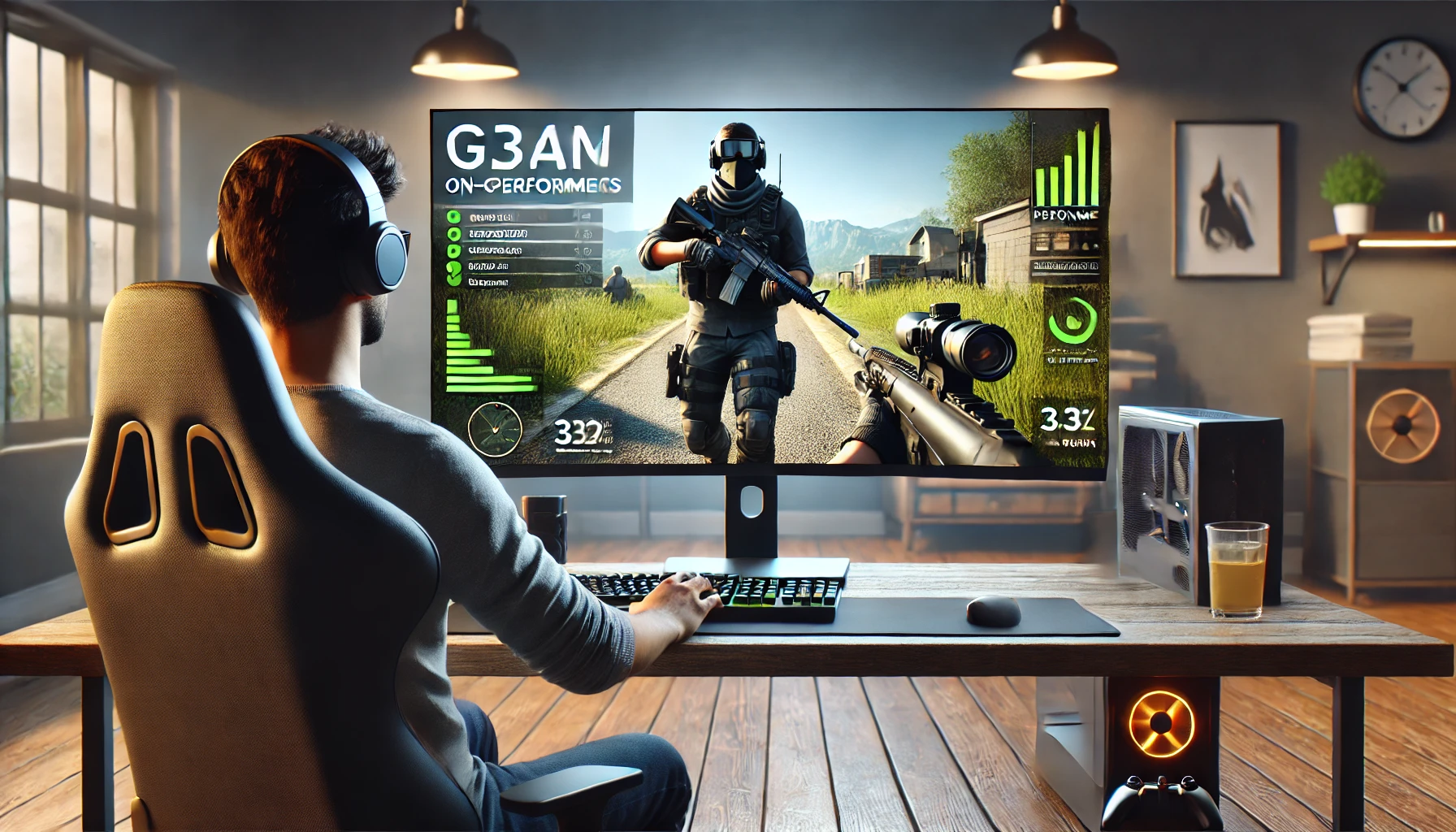

If your games feel slow, your aim is off, or your system can’t keep up, don’t worry. Improving your gaming performance isn’t just about having expensive hardware. With the right habits, settings, and optimizations, you can level up your gameplay quickly. This guide walks you through everything you need to play smoother, faster, and better.
1. Optimize Your Gaming Device


Update your drivers
Graphics drivers play a huge role in game performance. Updating them can instantly increase FPS and reduce stuttering.
- For Nvidia: Use GeForce Experience
- For AMD: Use Radeon Software
- For Intel: Check Intel Graphics Command Center
Clean up storage
Games load faster when your system has enough free space. Keep at least 15–20% of your disk empty. Remove unused apps, temporary files, and old downloads.
Upgrade what matters
If you want noticeable improvements:
- Add more RAM (at least 16 GB is ideal for modern games)
- Switch to an SSD to speed up load times
- Consider a better GPU if you play high-end AAA titles
2. Adjust Your In-Game Settings
Your game settings can make or break performance. Instead of maxing out everything, tweak these:
Lower demanding graphics settings
- Shadows
- Anti-aliasing
- Motion blur
- Ambient occlusion
These settings usually don’t impact gameplay but take a lot of power.
Turn on performance modes
Many games and GPUs have options like:
- Performance Mode
- Balanced Mode
- DLSS / FSR / XeSS (AI upscaling)
These boost FPS while keeping visuals sharp.
Match your refresh rate
If you have a 120Hz or 144Hz monitor, make sure your game is set to the same rate. This makes everything look smoother.
3. Improve Internet and Reduce Lag

Use a wired connection
Wi-Fi can be unstable, especially during fast-paced games. A simple Ethernet cable can remove lag and packet loss.
Close background apps
Streaming, downloads, or multiple tabs can eat your bandwidth. Keep only your game and essentials open.
Choose the right server
Always pick the server closest to your location for low ping.
4. Boost Your Gaming Skills


Hardware helps, but your skill matters more. A few changes in your routine can bring quick improvements.
Practice aim and reflexes
Use aim-training tools like:
- Aim Lab
- Kovaak’s FPS Trainer
Just 10 minutes a day can raise your accuracy noticeably.
Customize your sensitivity
Find a sensitivity that feels natural. Too high makes you lose control, too low slows your reactions.
Learn from pros
Watch gameplay from skilled players. You’ll pick up:
- Movement tricks
- Crosshair placement
- Smart positioning
- Map awareness
5. Take Care of Your Health


Good physical condition improves mental sharpness and reaction time.
Stay hydrated
Dehydration affects focus and decision-making.
Rest your eyes
Follow the 20-20-20 rule:
Every 20 minutes, look at something 20 feet away for 20 seconds.
Use a proper posture
A good chair and proper desk height prevent fatigue during long sessions.
6. Use Helpful Gaming Tools
These tools can enhance performance and give you smoother gameplay:
- Game boosters to clean RAM
- FPS monitoring apps like MSI Afterburner
- Overlay tools for real-time stats
- Windows Game Mode to prioritize games
7. Keep Your System Clean and Cool

Overheating can slow your device down dramatically.
Clean dust from fans
Dust buildup reduces airflow and causes throttling.
Improve ventilation
Keep your PC or laptop on a flat surface and ensure proper airflow.
Use cooling pads (for laptops)
Helps lower temperatures during long gaming sessions.
Final Thoughts
You don’t need the most expensive gear to play at your best. By keeping your device optimized, adjusting your settings, improving your skills, and taking care of your health, you can dramatically boost your gaming performance.
The information provided in this blog is for general guidance and educational purposes only. While every effort has been made to ensure accuracy, gaming performance can vary depending on your device, hardware configuration, internet speed, and personal skill level. The tips and recommendations shared here may not produce the same results for every user.
Any products, software, or tools mentioned are based on personal opinions and commonly available resources. Always research and verify before making any purchases or changes to your system settings. The author and website are not responsible for any technical issues, data loss, or damages arising from following the tips or installing recommended tools.
#Gaming #GamerLife #GamePerformance #PCGaming #ConsoleGaming #FPSBoost #Esports #GamingSetup #Anslation #Carrerbook #GamingTips #TechGuide #ProGamer #GameOptimization


Leave a Reply