

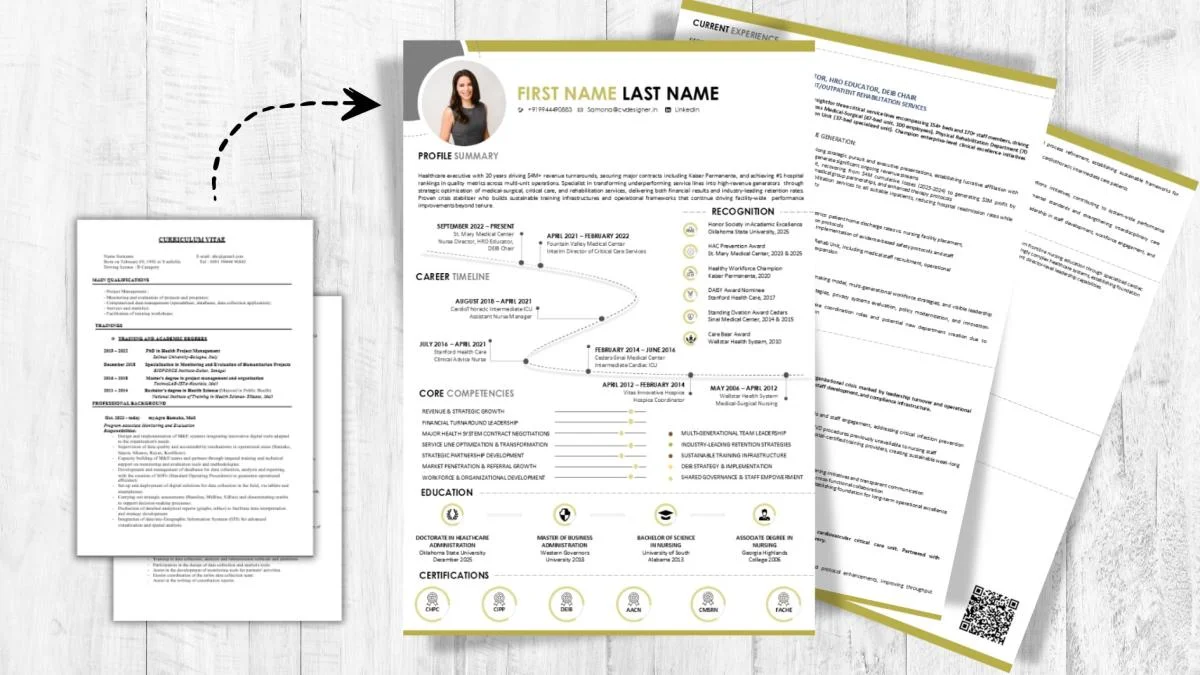

A few years ago, I helped a friend look over her resume before she applied for a Professional job she badly wanted. It was three pages long, written in a fancy font, with a photo, a long list of hobbies and a paragraph that began with “I am a hard-working and dedicated person”. She had real achievements buried somewhere on page two. When I asked how many replies she had received, she said none, and that she had applied to more than forty places. The problem wasn’t her skills. It was that nobody could find them quickly.
I used to believe a good resume needed to be long and impressive, with every job, course and responsibility listed in detail. Every template I saw online had colourful bars, icons and graphs, so I assumed that looking designed meant looking professional. In reality, the person reading your resume often has only a few seconds, and what they want is clear, relevant, easy-to-scan proof that you can do the job. If you’ve ever sent out many applications and heard nothing back, you know exactly what I mean.
So we rebuilt her resume from scratch, with a clean layout, a short summary and achievements instead of duties. Within weeks, she started getting calls. This guide shares how to create a professional resume that gets noticed, and none of it needs a designer, a paid tool or special writing skills.
Why Most Resumes Get Ignored

Recruiters often receive many applications for a single role, and they skim quickly. A resume gets set aside when it’s cluttered, vague, too long or clearly not written for the job. Many companies also use software to sort applications, which can struggle with complex layouts, images and unusual formatting. The good news is that the fixes are simple. A resume that is clear, honest and tailored to the role stands out more than a flashy one.
- Recruiters skim, so clarity matters more than decoration
- Generic resumes feel like they were sent to everyone
- Cluttered layouts hide your best points
- Complex formatting can confuse screening software
- Relevance to the job beats length
Start With the Job, Not the Template
Before writing a single line, understand what the employer is looking for. Your resume should answer their needs, not just list your history.


Read the Job Description Carefully
Read the advertisement slowly and underline the skills, tools and responsibilities mentioned most often. Notice the words the company uses for the work, since using similar language helps both human readers and screening software. If a requirement matches your experience, make sure it appears clearly on your resume.
- Highlight repeated skills and requirements
- Note the job title and key responsibilities
- Use the company’s own wording where it truthfully fits
- List which of your experiences match
- Be honest about what you can’t claim
Decide Your Main Message
Before you write, answer one question: why should this employer choose me? Your answer might be a specific skill, a result you achieved or experience in a similar setting. Build your resume around that message, and let everything else support it.
- Choose two or three main strengths to highlight
- Match them to the role you’re applying for
- Cut anything that doesn’t support your message
- Keep the focus on what you can do for the employer
- Write for one role at a time
Choose a Clean, Simple Layout
A professional resume is easy to read at a glance. You don’t need fancy design to look polished.
Keep the Format Neat
Use a simple, readable font in a standard size, with clear headings and consistent spacing. Leave enough white space so the page doesn’t feel crowded. Use bullet points for experience, and keep margins even. Avoid tables, text boxes, columns and graphics unless you know the employer’s system can read them,

- Use a clean font like those commonly available on every device
- Keep headings consistent and easy to spot
- Use bullet points and short lines
- Leave white space around sections
- Avoid heavy graphics, icons and unusual layouts
since these can scramble the content.
Decide on Length and Order
For most early and mid-career applicants, one page is usually enough, and two pages are fine when you have more relevant experience. Put the most important information first. Start with your contact details, then a short summary, then experience or education, depending on which is stronger for the job. Save to PDF unless the employer asks for another format, so the layout stays the same on every device.
- Keep it to one page if you’re early in your career
- Use two pages only when the content is relevant
- Put your strongest section near the top
- Use reverse chronological order for work experience
- Save and send as PDF unless told otherwise
Write Each Section Well
Each part of your resume has a job to do. Writing them clearly makes your resume easier to trust and remember.
Contact Details and Summary
Include your name, phone number, a professional email address, your city and a link to your professional profile if it’s relevant. Avoid unnecessary personal details, and follow the norms of the country or company you’re applying to. Then write a short summary of two or three lines that states who you are, what you do best and what you offer. Make it specific, not generic.
- Use a professional-sounding email address
- Add your city and a relevant profile link
- Skip details that aren’t needed for the role
- Write a two or three line summary
- Replace vague phrases with specific strengths
Experience With Achievements
Instead of listing duties, show results. Start each bullet with a strong action word, describe what you did and, where possible, show the impact. Numbers help, but only use real ones. improving a process or helping a team reach a goal.
- Start bullets with action words like led, built, improved or organised
- Show results, not just responsibilities
- Use real numbers where you have them
- Keep each bullet to one or two lines
- Put the most relevant achievements first
If you don’t have exact figures, describe the outcome honestly, such as saving time,

Skills, Education and Extras
Group your skills clearly, separating tools, technical abilities and languages. Only list skills you can actually discuss in an interview. Add your education with the course, institution and year, and include certifications, projects or volunteering if they support your application. If you’re a fresher, projects, internships and coursework can fill the gaps.
- List relevant skills in clear groups
- Include only skills you can back up
- Add education, courses and certifications
- Include projects, internships or volunteering if relevant
- Leave out outdated or unrelated items
Compare a Weak and Strong Resume
Seeing the difference side by side helps you spot what to fix in your own resume.
| Resume Part | Weak Version | Strong Version | Why It Works Better | Quick Fix |
|---|---|---|---|---|
| Summary | “Hard-working person seeking a good opportunity” | “Customer support executive with experience resolving queries and improving response quality” | Specific and tied to the role | Name your role, strength and goal |
| Experience bullet | “Responsible for handling emails” | “Handled customer emails daily and reduced response time by improving the reply templates” | Shows action and result | Start with an action word and add an outcome |
| Skills | A long, mixed list of everything | A short list grouped by relevance | Easy to scan and believable | Keep only skills matching the job |
| Format | Crowded design with icons and colours | Clean layout with clear headings | Readable by people and software | Use simple fonts and spacing |
| Length | Three pages with old, unrelated jobs | One or two focused pages | Respects the reader’s time | Cut anything that doesn’t support the role |
Tailor Your Resume for Each Application

A single general resume rarely works well for every role. Small changes make a big difference, and they only take a few minutes.
- Adjust your summary to match the role
- Reorder bullets so the most relevant come first
- Use keywords from the job description where they truthfully apply
- Remove content that doesn’t help this application
- Keep a master version with all your experience and copy from it
Be Honest and Accurate
Never exaggerate your skills, invent a job or inflate your results. Verification checks, interviews and reference calls can reveal false claims, and being caught can end an opportunity or damage your reputation. Honest resumes can still be strong, because you can focus on your real strengths and be willing to explain gaps or career changes truthfully.
- Don’t claim skills you don’t have
- Don’t change dates or titles to look better
- Explain gaps briefly and honestly if asked
- Credit team achievements as team achievements
- Be ready to discuss everything on your resume
Proofread Like a Professional
Small errors can make a good resume look careless. Read it slowly, check spelling and grammar and make sure formatting is consistent. Ask a friend or mentor to read it too, since fresh eyes spot mistakes you’ve stopped seeing. Check that dates, spellings of company names and contact details are right.
- Read your resume aloud once
- Check spelling, grammar and punctuation
- Make sure fonts, spacing and dates are consistent
- Ask someone else to review it
- Open the PDF on another device to check the layout
Little Touches That Help You Stand Out
A few small details can make your resume feel more thoughtful. They cost almost nothing.
- Name the file clearly, such as your name and the role
- Add a short, relevant link to a portfolio or profile
- Keep your language simple and direct
- Write a short, tailored cover message if allowed
- Keep your online profiles consistent with your resume
Protect Yourself When Applying
Job seekers are often targeted by fake offers, so be careful about where you send your resume. Apply through official company websites or trusted job portals, and be wary of anyone who asks you to pay a fee to get an interview or a job. Avoid sharing sensitive documents, such as ID numbers or bank details, until you’ve verified the employer and reached a proper hiring stage. If you’re unsure, check the company’s official website and contact details yourself.
- Apply through official sites and trusted portals
- Never pay to get an interview or job
- Don’t share ID or bank details early
- Verify recruiters through the company’s official contact
- Keep a record of where you’ve applied
When to Update and Move On
Your resume is never truly finished. Update it every few months, adding new skills, projects and achievements while they’re fresh. If you don’t get replies, don’t assume you’re not good enough. Check your resume against the job descriptions, ask for feedback and try again with improvements. A professional resume that gets noticed isn’t the one with the most design or the longest list of jobs. It’s the one that makes it easy for a busy reader to see, within moments, that you can do the work.
FAQs
1. How long should my resume be?
One page is usually enough for early-career applicants, and two pages are fine if the content is relevant to the role.
2. What should I include in my resume?
Contact details, a short summary, relevant experience or education, skills and any projects or certifications that support the job.
3. Do I need to change my resume for every job?
Yes. Small changes to your summary, bullet order and keywords help it match each role better.
4. Should I use a fancy template?
A clean, simple layout is safer, since heavy graphics and complex formatting can be hard to read or may confuse screening software.
5. How can I avoid fake job offers when applying?
Apply through official sites and trusted portals, never pay for an interview or job, and don’t share sensitive documents early.



Leave a Reply